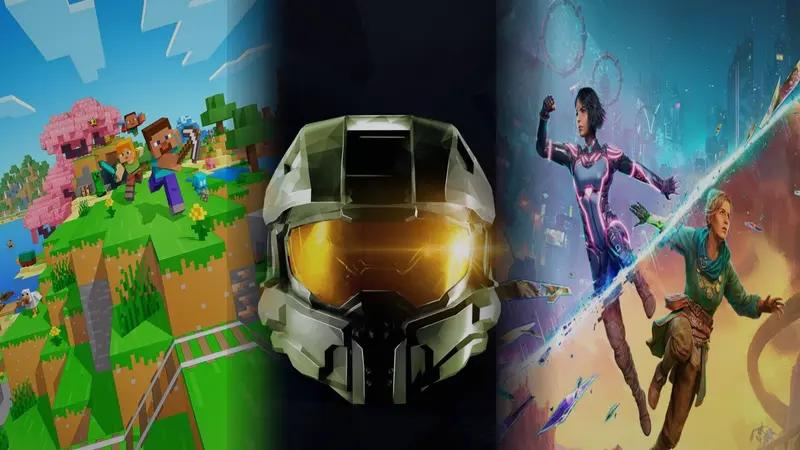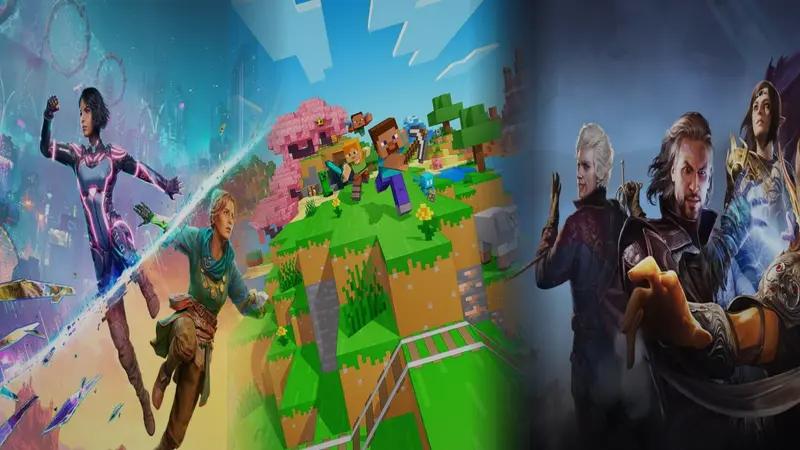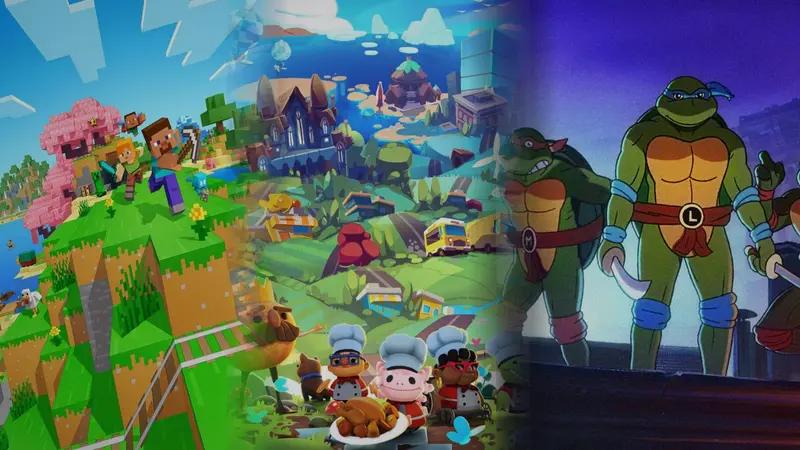

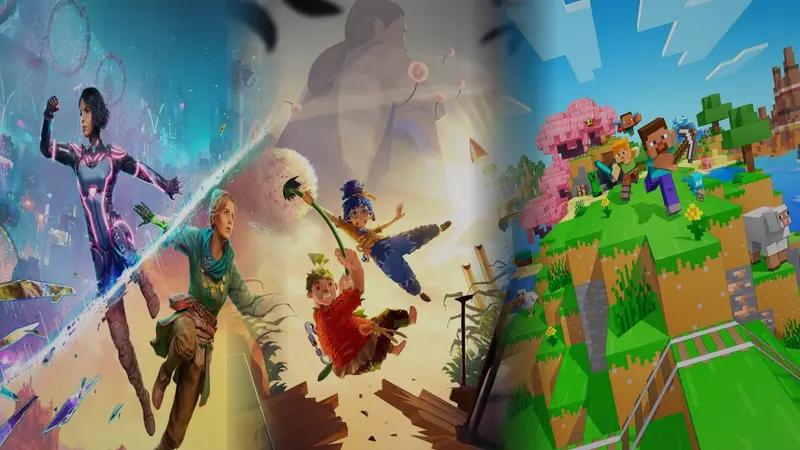
Minecraft on Switch is a flexible sandbox where up to four players can share a world in split-screen and specialize in different tasks. It ranks highly because true multi-way split-screen lets each person mine, build, or explore far apart without dragging the camera or progress together. That freedom makes teamwork feel organic, whether one player gathers resources while another designs the base. It runs best with 2 players; at 4, the view can feel cramped and UI elements get small. Still, for families or friends who like open-ended projects, it’s one of the most versatile choices here.
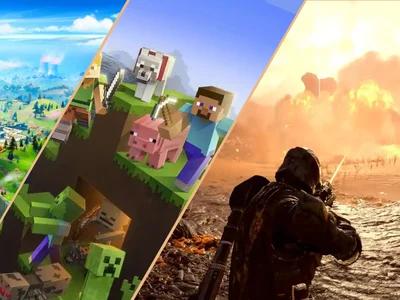
Minecraft
Best if you want infinite creative freedom and exploration where the only limit is your imagination—whether building solo masterpieces, surviving with friends, or just digging to see what's below.
On This Page
Why We Recommend This Game
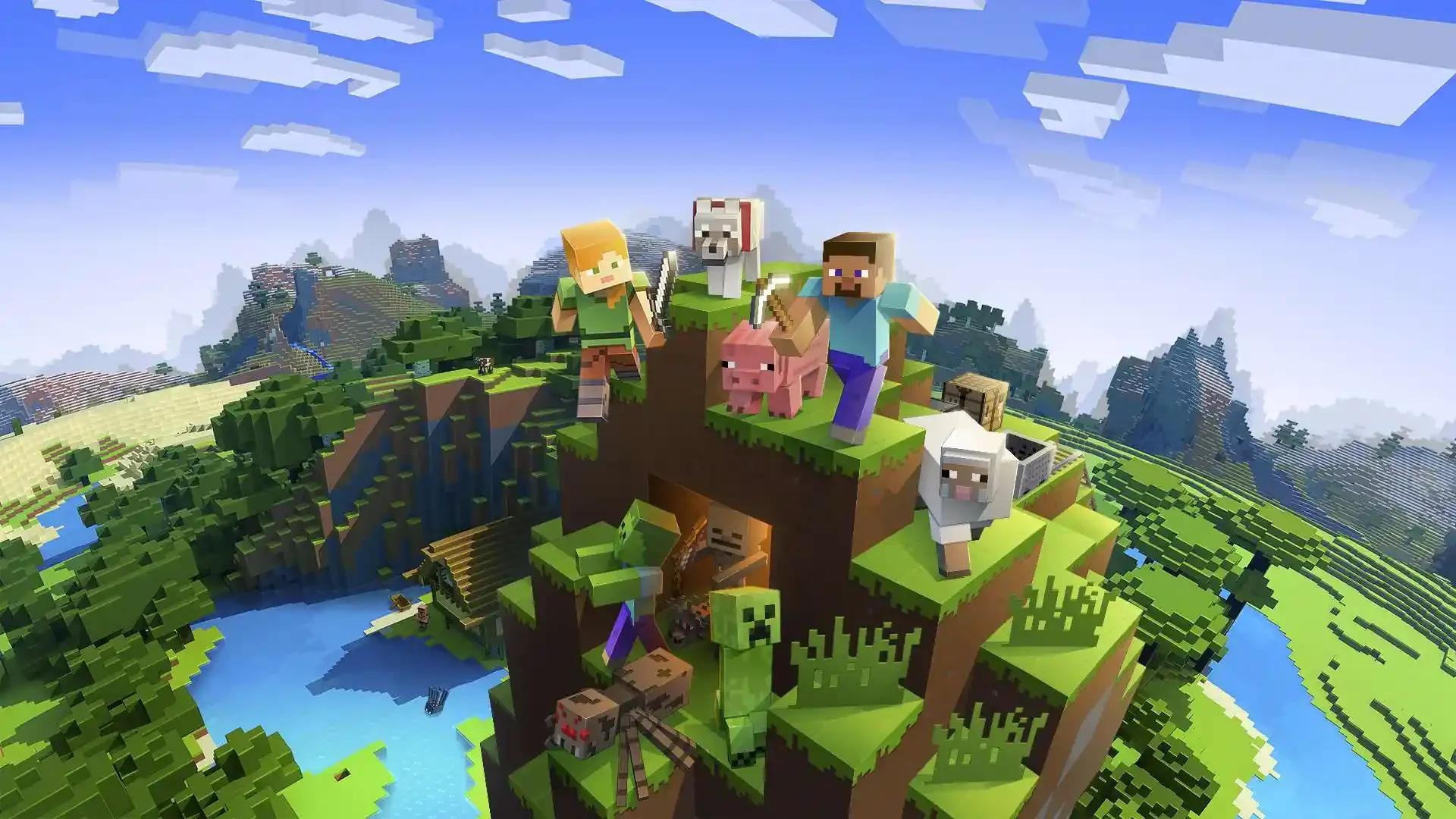
Minecraft is the rare game that adapts completely to how you want to play. The core loop—break blocks, gather resources, craft tools, build structures—sounds simple, but it unfolds into astonishing depth. In Survival mode, you'll spend early sessions punching trees, crafting your first pickaxe, and scrambling to build shelter before nightfall brings monsters. That initial learning curve is gentle: the game teaches through doing, and within an hour most players grasp the basics of mining, crafting, and staying alive. From there, the progression arc is entirely yours. You might dig deep for rare ores, automate farms with redstone circuits, or sail across oceans hunting temples. Creative mode flips the script entirely, giving you infinite blocks and flight to construct anything—castles, pixel art, working computers. There's no win condition, no pressure, just a limitless canvas. That open-endedness is Minecraft's greatest strength and its potential stumbling block: if you need structured goals or directed narrative, you'll have to set them yourself or join community servers with custom rule sets. Sessions scale beautifully. You can log in for 20 minutes to expand your base or lose entire weekends to ambitious megabuilds. Multiplayer amplifies everything: split-screen lets families work side-by-side on Switch, while online co-op and Realms turn worlds into persistent playgrounds where friends drop in anytime. PvP minigames and custom maps add competitive spice when pure sandbox feels too loose. The blocky aesthetic might look crude at first glance, but it's functional: every material is instantly recognizable, and the voxel grid makes spatial planning intuitive. Performance stays smooth even on weak hardware if you tune render distance. Replayability is essentially infinite—procedural generation ensures every world offers new terrain, and the modding scene (on Java) or Marketplace (on Bedrock) adds endless content. Whether you're a parent seeking a game the whole family can share, a builder itching for creative outlets, or someone who just wants to explore caves and fight skeletons with friends, Minecraft molds itself to fit.
Best For
- Creative builders who want total freedom without predetermined goals
- Families and friend groups seeking flexible co-op across skill levels
- Players who enjoy setting their own objectives and long-term projects
Not For
- Those needing structured narratives or clear progression paths
- Players seeking cutting-edge graphics or cinematic presentation
- Anyone uncomfortable with self-directed, open-ended gameplay
Multiplayer & Game Modes
4 local • 30 online • Partial Crossplay
Features
Play Modes
Single Player • Multiplayer • Co-op • PvP • Online Multiplayer • Local Couch Co-op • LAN Multiplayer • Split-Screen • Shared Screen
Player Count
- Local
- 1-4
- Online
- 1-30
- LAN
- 1-30
- Team Sizes
- Co-op or PvP up to 30 players
Additional Details
Java Edition: player-hosted or dedicated servers, typical soft cap 20-30 players; supports LAN over local network; online requires Mojang/Microsoft account. Bedrock Edition: up to 8 players in normal worlds, up to 30 in Realms Plus; supports 4-player local split-screen on consoles; online play on consoles requires Xbox Game Pass Core/Xbox Live Gold, PlayStation Plus, or Nintendo Switch Online. Cross-play is supported across all Bedrock platforms (Windows 10/11, Xbox, PlayStation, Switch, mobile) but not with Java Edition. Drop-in/out supported for local, LAN, and most online servers/Realms.
Edition and Platform Information
Important details about which version to buy and where to play.
Which Edition to Buy
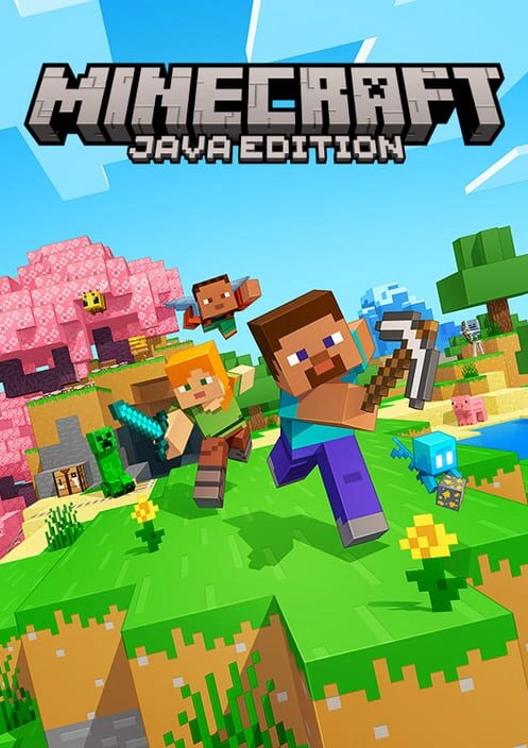
Java Edition (PC) offers deeper modding and community content; Bedrock Edition (consoles, mobile, Windows 10) has cross-play, Realms, and better performance on weaker hardware. Both receive updates, but some features and marketplace content differ.
Platform Recommendations
Switch handles solo and 2-player split-screen smoothly; 4-way can feel cramped with small UI. Low-end PCs run Bedrock at 60fps with tuned settings. Cross-play works seamlessly across Bedrock platforms.
Accessibility Features
Customizable controls, UI scaling, text-to-speech, and controller support included. Difficulty toggles (including Peaceful mode with no enemies) and Creative mode remove combat pressure. Color-coded inventory helps, though small text in split-screen can challenge some players.
Screenshots
Click any screenshot to view in full size
Featured In Our Articles
We've included this game in 3 articles.
Minecraft turns online co-op into a shared canvas where friends can survive, build, and explore however they like. It earns its place by combining massive replay value with strong social play: groups can chip away at a castle over weeks, dive into survival runs, or try community-made maps together. Cross-play and Realms make it easy for families and friend groups to stay connected. On Switch, performance can dip in very busy worlds, but online stability is generally solid. For anyone wanting flexible, creative co-op that grows with their imagination, it remains a standout.
Bedrock earns its spot for almost unmatched scalability and endless exploration. The engine adapts gracefully to integrated GPUs; limiting render distance and using upscalers typically hits 60 fps even on older laptops. An infinite procedural world keeps discovery fresh, and simple onboarding makes it easy to jump into Survival or flip to Creative when you want a stress-free session. Cross-platform play and modest storage needs help low-end owners, while marketplace add-ons extend play without heavy mod management. It favors flexible systems over complex simulation, which suits weaker hardware and varied play styles.
Frequently Asked Questions
Common questions about this game answered by our team.
How hard is Minecraft for beginners?
Very approachable. Peaceful or Creative modes remove combat entirely, and the core loop teaches itself through experimentation. Most players grasp basics in under an hour, with depth unfolding gradually as you explore crafting and redstone systems.
How long does a typical session last?
Completely flexible. Quick mining or building tasks fit into 20–30 minutes; ambitious projects naturally stretch into hours. Save-anywhere design means you stop whenever you want without losing progress.
Is it good for solo play or better with friends?
Excellent either way. Solo offers meditative building and exploration at your pace. Multiplayer adds collaborative projects, emergent chaos, and social energy—both modes shine depending on your mood.
Can I play with friends on different platforms?
Yes, if you're on Bedrock Edition (consoles, mobile, Windows 10). Java Edition (PC) only connects with other Java players. Realms subscriptions offer always-online shared worlds across Bedrock devices.
Does it have an ending or clear goals?
There's an optional endgame boss (the Ender Dragon), but most players treat it as one milestone among many. The real draw is self-directed: you set goals like building a city, mastering redstone, or exploring biomes.